Simple Logistics Management Software
Manage shipments across cities, coordinate with partner offices and drivers, and keep track of collections and financial settlements — all in one integrated system.
Are These Challenges Familiar?
As your logistics business grows and operations involve multiple cities and partners, manual follow-up becomes increasingly difficult. You need one system to bring your operations and financial information together.
Shipment Management
Keeping track of outgoing and incoming shipments and their delivery statuses.
Multiple Partners
Managing different agreements and commission shares for partner offices and drivers.
Financial Settlements
Knowing each partner's share and keeping track of outstanding balances.
Collection Management
Keeping collection records connected to shipment operations and accounting.
Manual Processes
Relying on separate spreadsheets and struggling to generate accurate reports.
All Your Logistics Operations in One Place
Organize your daily workflow — from creating shipment orders to delivery, collections, and financial settlements.
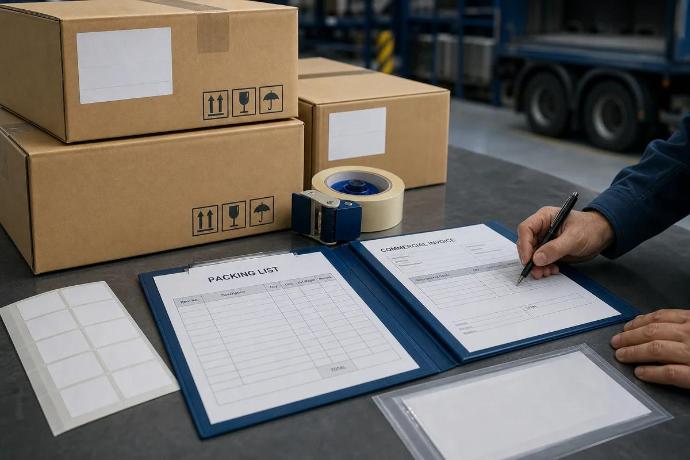
Shipment Management
Create outgoing and incoming shipment orders, organize customer and package details, and manage destinations and shipment statuses.

Transportation & Distribution
Manage driver and vehicle information, group shipments into loading manifests, and follow up on deliveries.

Partner Office Management
Organize partner agreements and commission rules, and maintain clear records of partner transactions.
Financial Management
Connect logistics operations with invoices, journal entries, collections, outstanding balances, and settlements.
A Clear and Connected Workflow
Follow every stage of the shipment process, from creating the shipment order to delivery, followed by the related financial procedures.
Create Shipment
Record customer details, packages, destination, and shipment value.
Calculate Shares
Calculate partner office and driver shares based on their agreements.
Load & Transport
Group shipments in a loading manifest and assign the driver and vehicle.
Confirm Delivery
Update shipment statuses and confirm completed deliveries.
Financial Follow-up
Record invoices and collections, and review outstanding balances and settlements.

Flexible to Match Your Business Model
Every logistics business has its own way of operating. The system supports different transportation arrangements and gives you flexibility in assigning responsibilities for delivery and collection.
- Transportation using company vehicles.
- Transportation through independent drivers.
- Distribution through partner offices.
- Direct delivery to the recipient.
- Flexible assignment of shipment collection responsibility.
- Commission agreements based on your business arrangements.
Financial Management Is Part of the Workflow
Managing logistics is not only about shipment status and delivery. You also need to know your revenue, partner shares, collections, and outstanding balances for every party.
- Record shipment revenue.
- Register partner office and driver shares.
- Track collections according to the responsible party.
- Create invoices and journal entries related to shipments.
- Offset debit and credit balances with partner offices.
- Review account statements and analytical reports.
Better Visibility Into Your Business
Bring operational and accounting information together, and monitor revenue, commission shares, and outstanding balances through reports and account statements.
Practical Tools for Your Team
Operational documents and reports help organize daily work and improve coordination between management, drivers, and partner offices.
Shipping Waybills
Print organized shipment documents with customer, package, and destination details.
Package Labels
Print a separate label for each package, including its details and barcode.
Loading Manifests
Group shipments into an organized loading document for the assigned driver and vehicle.
Analytical Reports
Analyze shipment activity, revenue, and shares across available business dimensions.
Partner Office Follow-up
Review transactions, balances, and commission shares for each partner office.
Driver Management
Organize driver information and follow up on assigned shipments and related shares.
Make Your Logistics Operations Simpler
Discover how Simple Logistics Management Software helps you organize shipments, manage partner offices and drivers, and monitor financial settlements and reports — all in one system.
Request Your Demo Today